











This Total Casino login guide explains how registered players can access their accounts, recover a forgotten password and resolve common sign-in problems. Always open the official login section directly rather than following an unexpected link in an email, message or advertisement.
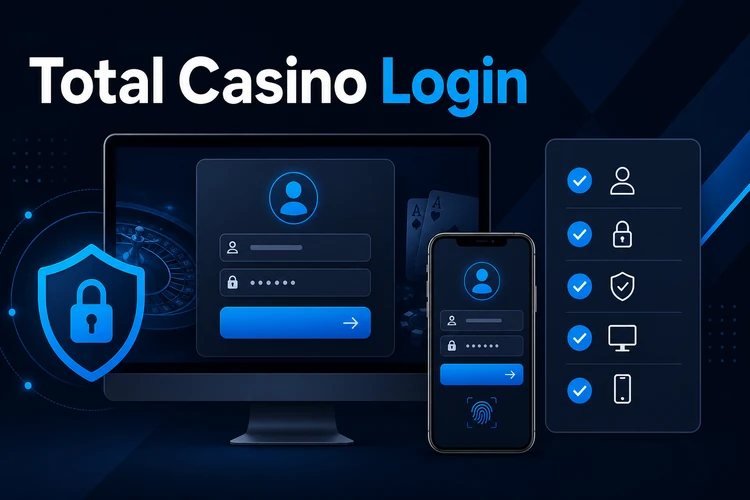
After a successful sign-in, you can reach the features connected to your player account, such as profile details, account settings and available gaming services. This page is intended for existing players, including people using a new device or experiencing an authentication error.
How to Use the Total Casino Login
Start by opening the login page from the main website navigation. Check the address carefully before entering personal information, especially if you reached the site through a search result or saved bookmark.
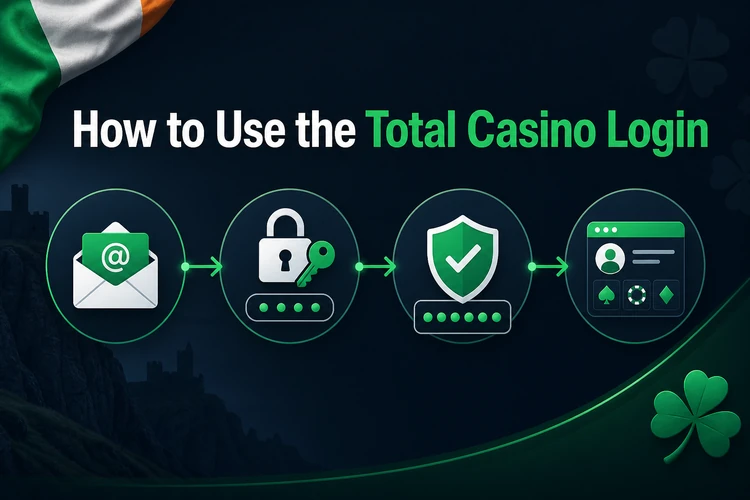
You will normally need the registered email address and password created during registration. Enter the details exactly as saved; email addresses are not usually case-sensitive, but passwords may be.
- Open the login section through the website menu.
- Enter the email address linked to your player account.
- Type your password and check it for accidental spaces or errors.
- Select the sign-in button once, then wait for the request to process.
- Complete any verification step shown on screen.
If an additional security check appears, follow the on-screen instructions and use only a code sent through the contact method connected to your account. Never provide a verification code to another person.
Forgot Your Password?
If you cannot remember your password, select the “Forgot Password” option beneath the login form. Enter the registered email address and submit the request. Password-reset instructions may take a few minutes to arrive, so check your inbox and spam or junk folder before requesting another email.
Open only the most recent reset message and follow its instructions before the link expires. Choose a new password that is long, unique and difficult to guess. A mixture of letters, numbers and symbols can help, but password length and avoiding reused credentials are equally important. Do not use your name, date of birth or another detail visible on social media.
Common Total Casino Login Problems
Incorrect credentials are the most frequent cause of failed authentication. Retype your email and password rather than relying on autofill, which may contain an old password. Check Caps Lock, keyboard language and any spaces added when copying text.
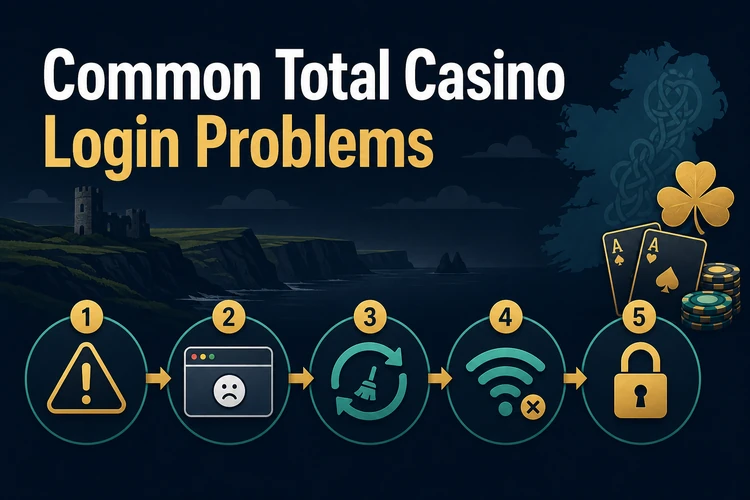
If the details are correct but access still fails, identify whether the problem affects the account, browser or connection. Note any error message before refreshing the page because it may help customer support investigate.
- Old saved details: remove the stored password from autofill and enter the current one manually.
- Browser or cache error: clear relevant cookies and cached data, restart the browser or try a private window.
- Unstable connection: reconnect to a trusted network and wait before submitting the form again.
- Temporary technical issue: close duplicate tabs, wait briefly and retry from the main login page.
- Blocked account: stop making repeated attempts and follow any notice displayed on screen. Contact support if no recovery option is provided.
If another browser or device works, update the original browser and disable extensions that may interfere with forms. Avoid repeatedly resetting the password when the issue is clearly a temporary page or connection error.
Logging In from Mobile Devices
To sign in on a smartphone or tablet, open the official website in an up-to-date mobile browser, select the login button and enter the same credentials used on desktop. A password manager can reduce typing errors, provided that the device itself is protected by a passcode or biometric lock.
You may bookmark the login page for convenience, but verify the address before using a saved link. Avoid signing in through unfamiliar public Wi-Fi. If mobile access fails, switch between Wi-Fi and mobile data, close unused browser tabs and reload the page once.
Security Recommendations
Use a strong password created only for this account. Reusing the same password across several services means that a breach elsewhere could put your player account at risk. Change the password promptly if you receive an unexpected reset message or notice activity you do not recognise.
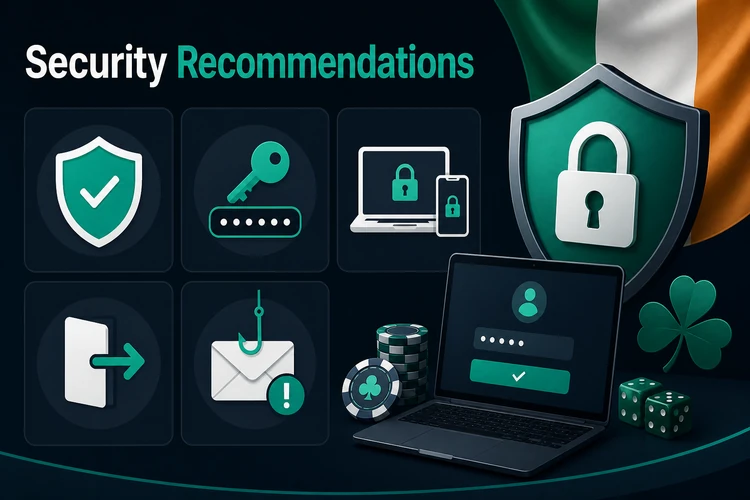
Keep login and verification details private. Customer support should not need your full password. Use any additional authentication option shown in your account settings, and keep the associated email account secure because it may be used for password recovery.
Always log out when using a shared or public device, then close the browser. Do not allow such devices to save your password. On a personal device, install browser and operating-system updates so that known security issues are corrected.
When to Contact Customer Support
Contact customer support if password recovery does not work, the registered email is no longer accessible, identity verification cannot be completed or the account remains blocked. You should also report suspected unauthorised access immediately rather than continuing to try different passwords.
Use the support option displayed on the official site and provide your registered email, the approximate time of the failed attempt, your device or browser type and the exact error message. Do not send your password, full payment details or verification codes. If you continue to experience difficulties with the Total Casino login, support can review account-specific restrictions or technical errors that cannot be resolved through browser troubleshooting.
FAQ
Open the official Total Casino website and select the login button from the main navigation. Enter your registered email and password, then complete any verification step displayed.
Select “Forgot Password”, enter your registered email and follow the instructions in the latest reset message. Check your spam folder if the email does not arrive within a few minutes.
Common causes include incorrect or outdated credentials, browser cache problems, an unstable connection or a temporarily blocked account. Retype your details, check the connection and note any error message before contacting support.
Yes. Open the official website in an up-to-date browser on your smartphone or tablet, select the login button and use the same account credentials as on desktop.
Use a long, unique password, secure the email account used for recovery and never share passwords or verification codes. Log out after using a shared device and avoid unfamiliar public Wi-Fi.
Use the customer support option shown on the official site. Provide your registered email, device or browser information and the exact error message, but never send your password or verification code.